Open your original character card in a text editor before you import it. A card can contain both the short description you want a visitor to see and instructions you only wrote for drafting. The PolyBuzz FAQ describes character-card and JSON imports on the web. Its creation guide distinguishes the introduction, greeting and permission fields. Inspect each one after import before deciding whether to share.
Compare the preview with a three-line source note
Imagine a fictional museum guide. Your public introduction could say, “A guide gets the closing tour back on track after a room is locked.” The greeting could ask, “Should we start with the clock gallery while the east room is closed?” A private drafting note might identify the room that opens in the next scene.
Copy the intended introduction and greeting to a scratch note you control. Compare that note with the app’s field labels. If the text about the next room appears in the public introduction, move or remove that detail before saving. A title or portrait that looks right tells you little about text in other fields.
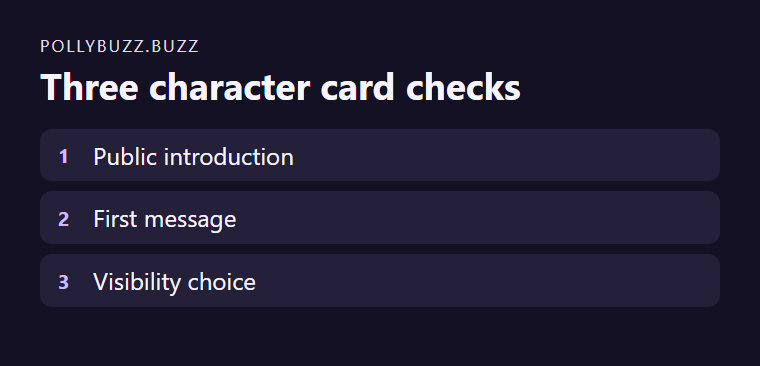
Confirm the audience before sharing a link
The creation guide says public characters can be visible on Home and in search. Use the appropriate permission setting for your intended audience. Read the selected setting directly instead of inferring it from the source file’s name. Revisit the greeting to make sure it starts a scene a stranger can understand.
Keep the original card separate from the version you publish. Remove account details, notes about real people and material you lack permission to distribute. If the imported field mapping is unclear, copy a short original section into the corresponding field manually where the interface permits it. That gives you a readable version to check, even if the source card came from a different tool with different field names.
Primary sources
Features, prices, age rules, and policies can change. Re-check the official product pages before deciding.